Before you start
- Set up the customer, items, units and prices, and a current financial year.
Create a sales order
- Open Orders and choose to create an order.
- Enter the date, customer and any reference.
- Add each item with its unit, quantity and price.
- Check the totals and save.
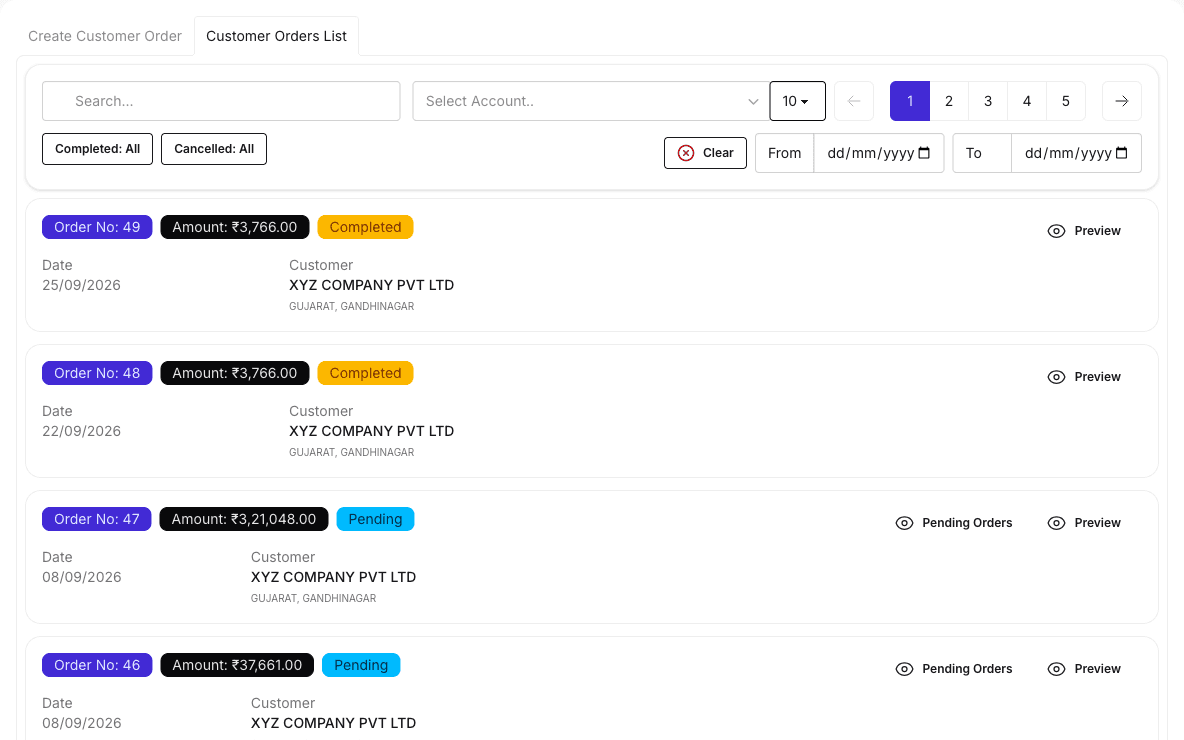
Result: The order is listed and can be delivered against. Entering an order does not move stock.
See what is pending
- Open Orders and the pending orders view, or open a single order.
- Review the remaining quantity on each line.
- Print the pending order list if you need it on paper.